



🛒
Purchase Online
Select your plan and pay via FPX, TnG, GrabPay, or card.

📧
Get QR Code Instantly
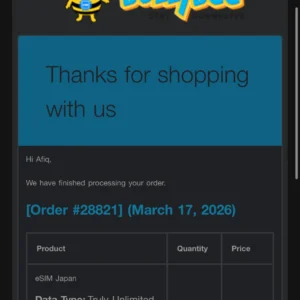
QR code delivered to your email within minutes after payment.

📱
Scan & Install on Wi-Fi
Settings → Mobile Data → Add eSIM → Scan QR. Best done before your flight.

✈️
Land & Connect
Turn on Data Roaming when you arrive in Japan. You’re online instantly.
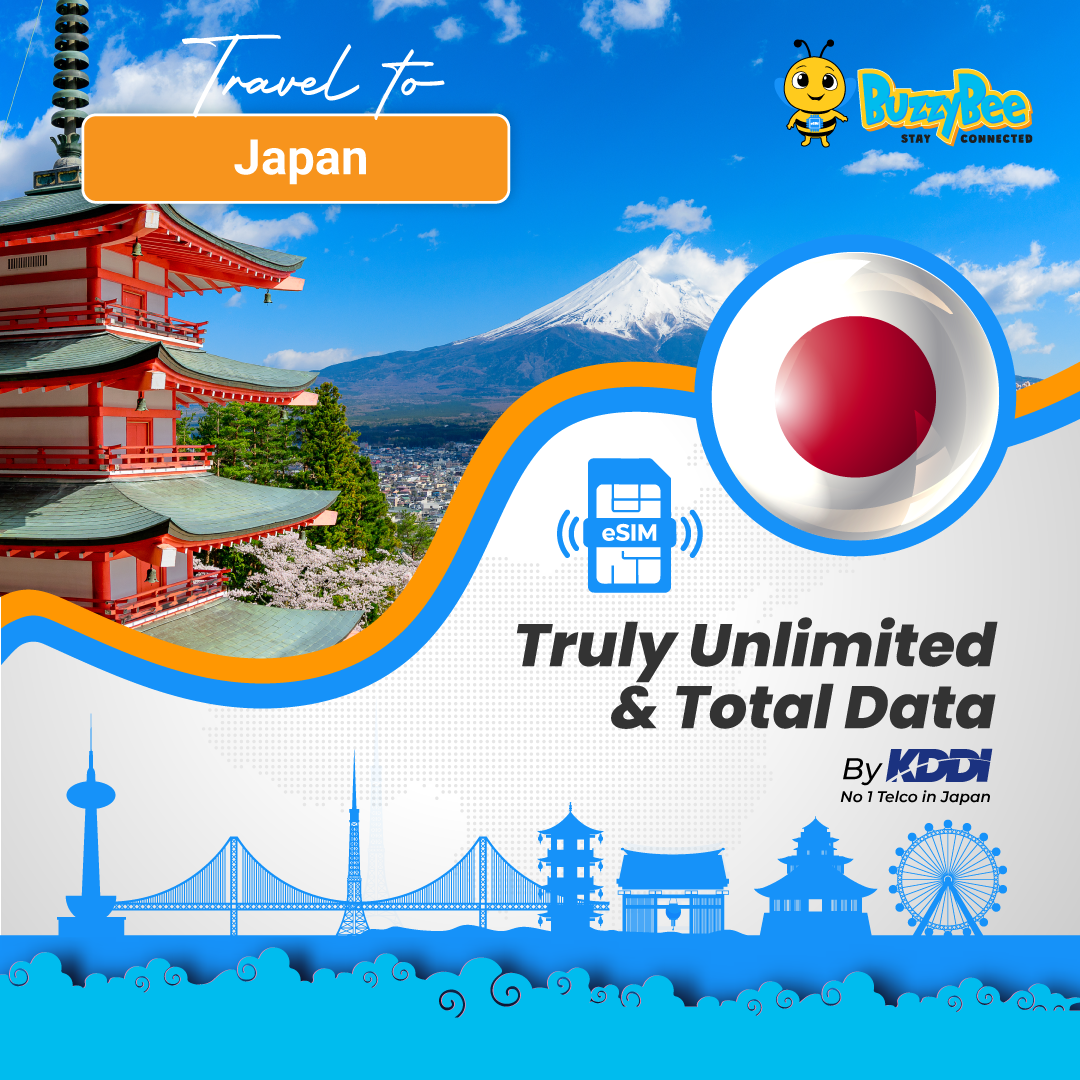
Japan eSIM – KDDI Truly Unlimited eSim Japan — Stay Connected without limits in Japan
OPTION 1️⃣ : Truly Unlimited(BUZZ800) ∞ No limit, KDDI (Speed – 800mbps)
OPTION 2️⃣ :Truly Unlimited(BUZZ10) ∞ No limit, KDDI (Speed – 10mbps)
TRAVEL FREEDOM UNLOCKED!
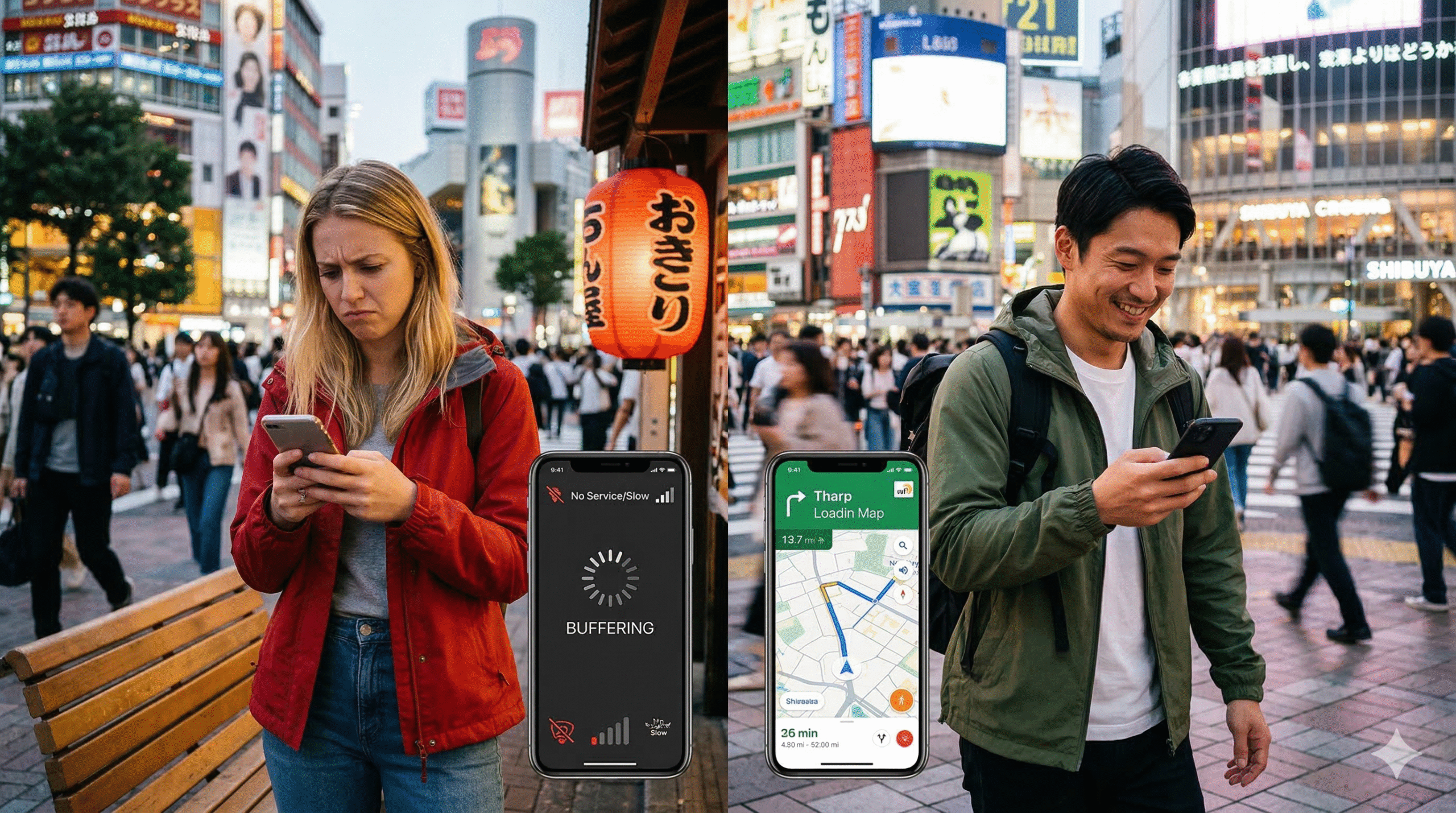
Tired of Japan’s Wi-Fi struggles? Get unlimited high-speed data without the hassle!”
Imagine this: You step off the plane in Tokyo, turn on your phone, and—boom—you’re already online. No hunting for SIM cards. No begging for café Wi-Fi passwords. You won’t have to worry about your data allowance disappearing after just a few Google search.
Key feature:
 Truly Unlimited Data – No hidden limits, no speed reductions. Use as much as you want! )
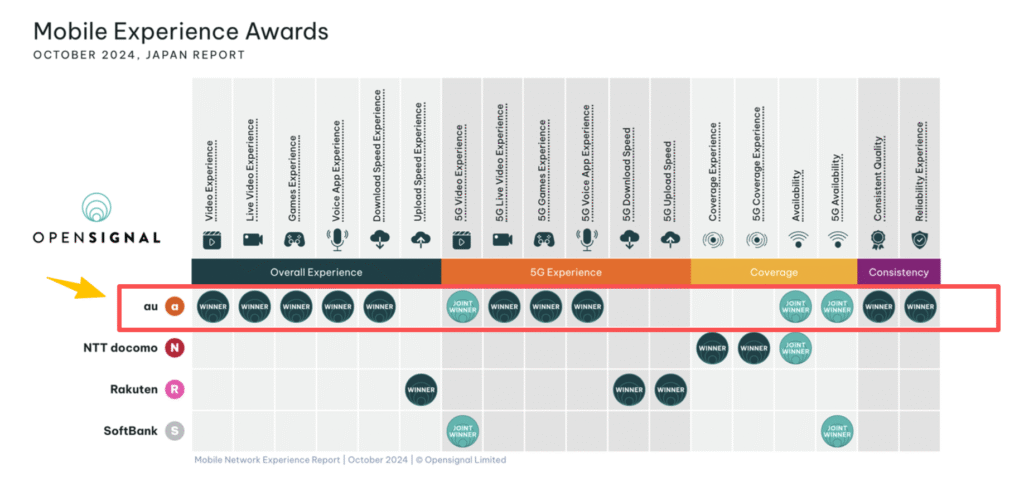
 - Powered by KDDI (AU), Japanese Trusted Network– Lightning-fast nationwide coverage: Stream, navigate, and post without buffering.
- Instant activation – No shipping, no SIM swap. Just scan your QR code before you fly. Touch down with data ready to go.
- Nationwide coverage – From Tokyo towers to Kyoto temples
- Hotspot/Tethering Allowed – Share data with multiple devices (laptop, tablet, etc.).
- The hotspot quota limit depends on the duration of your plan:
Hotspot Quota: Buzz800 & Buzz10,
Plan Duration (Days) / Hotspot quota
➡️ 4-day plan: up to 3GB
➡️ 5-day plan: up to 4GB
➡️ 6-day plan: up to 5GB
➡️ 7-day plan: up to 6GB
➡️ 8-day plan: up to 7GB
➡️ 9-day plan: up to 8GB
➡️ 10-day plan: up to 9GB
➡️ 11-day plan: up to 10GB
➡️ 12-day plan: up to 11GB
➡️ 13-day plan: up to 12GB
➡️ 14-day plan: up to 12GB
➡️ 15-day plan: up to 14GB - No more:
 Paying more for data than your ramen Praying your hotel Wi-Fi works That sinking feeling when Maps stops loading
- Perfect for travelers who:
- Smooth navigation – Google Maps, Translate, and travel apps anytime.
- Stay social – Upload photos, video calls, and stories without limits.
- Business travelers – Reliable high-speed data for emails & video meetings.
- Stream endlessly – Watch YouTube, Netflix, and TikTok without buffering.
- Connect to Wi-Fi.
- Go to your phone’s Settings → Mobile Data / SIM → Add eSIM.
- Scan the QR code we send you.
- Select the new eSIM for Mobile Data.
- Turn on Data Roaming.
- Done – your eSIM is ready to use!
- QR code can only be scanned once. Best to install before you travel while on Wi-Fi.
- QR code can only be used once; it cannot be installed on another phone or reinstalled on the same phone. Please do not delete your eSIM unless you no longer need it, as we cannot issue a replacement.
- ❌ No returns or refunds after the QR code is sent.
For installation help, please get in touch with customer care.
 Validity: Each day is counted from 12:00 AM to 12:00 AM (Japan local time) upon activation.
Experience a borderless digital lifestyle with BuzzyBee eSIM – order now and enhance your travel experience!